
FIG. 01
The Tasks board
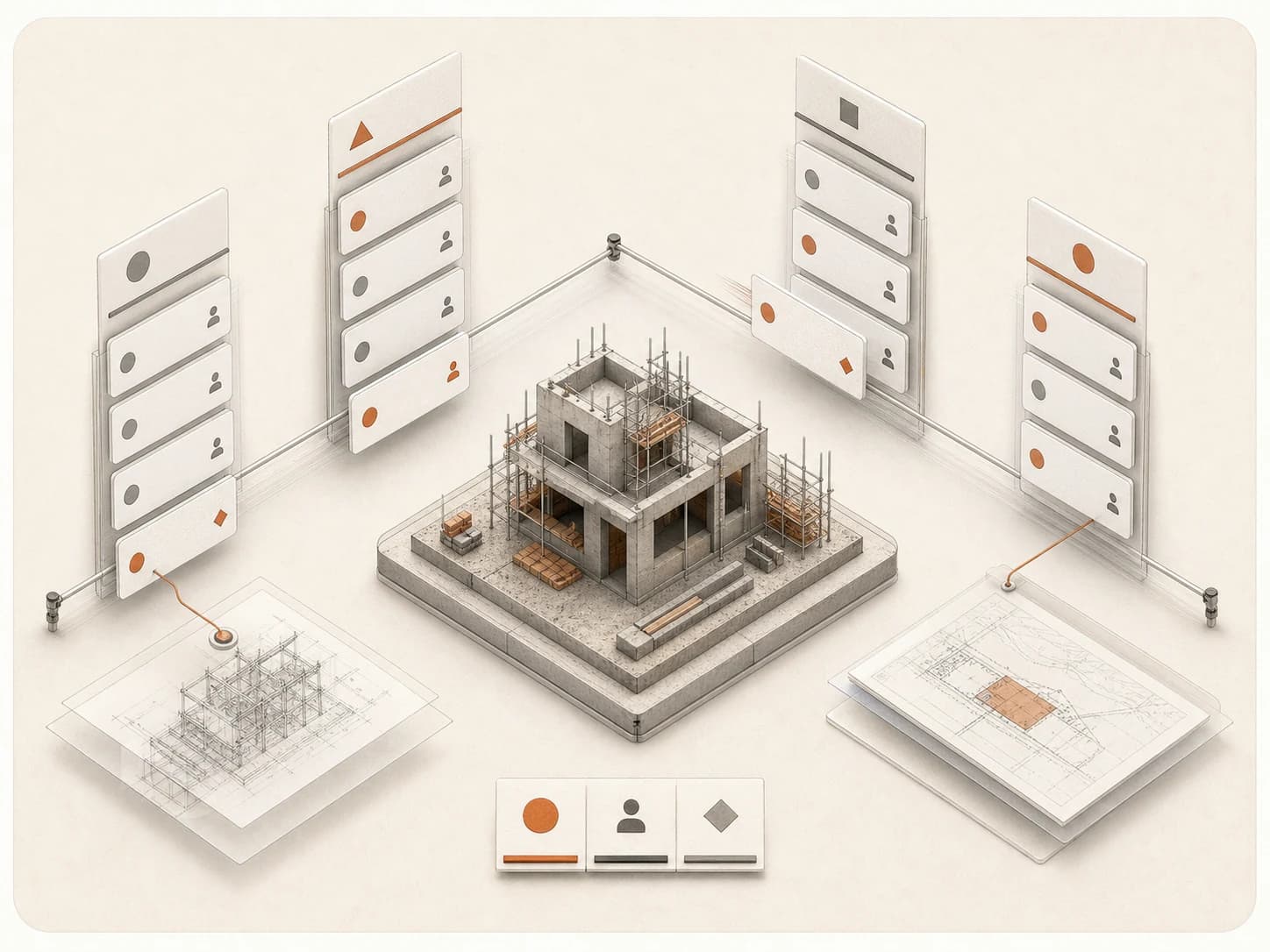
Every open task across your projects, organized by status, owner, and priority, with a project lens to narrow to one job.
Module · Tasks
Create, assign, and track construction work in one project-wide board - with the source, owner, due date, comments, attachments, and activity kept together.
The problem
A commitment made in a meeting or a comment thread is only real once someone owns it.
What it costs today
Actions disappear into meeting notes, chat threads, email, and document comments.
The team remembers that something must be done, but not who is responsible or when it is due.
The drawing or clause that created the obligation is not linked to the follow-up work, so context has to be reconstructed later.
What changes with Tasks
Tasks turns an agreed action into a stable project record that can be assigned, discussed, and moved through delivery.
Every task has an owner, a priority, and a due date attached to it from the start.
Reference the drawing, document, or discussion that created the task instead of copying it into a separate tool.
Which one
A checklist tracks that something got checked off. Tasks tracks why it existed and what proves it is done.
Every task carries the document, drawing, or decision it came from, with a stable owner and status.
A flat checklist with no link back to why the item exists or what happens after it is checked off.
Origin
Keeps a reference to the document, drawing, or decision it came from.
No link back to the source.
Context
Keeps the source material attached, so anyone opening the task sees why it exists.
Holds only the text you type, with nothing to explain why it matters.
Project lens
Lives on the project board, next to the drawings and documents it references.
Sits in a separate list disconnected from the project record.
Auditability
Status changes, comments, and attachments stay on a permanent record you can reopen from its link.
A checked box that leaves no record of who did what or when.
How it works
Six steps take an agreed action from creation to a closed, evidenced record.
Create it manually from the Tasks module, or through a supported Assistant action.
Add one clear outcome, the project, an owner, a priority, a start date, and a due date.
Reference the drawing or document that created the obligation instead of copying it into a separate tool.
Move the task through four states - Open, In progress, In review, and Done.
Use the detail drawer for attributes, checklist, comments, attachments, and activity.
Use the stable task ID and permalink to bring the right person back to the exact task.
In practice
Three ways an agreed action becomes an owned, traceable task.
Design Conflict
A drawing and specification disagree about a waterproofing build-up. The PM creates one task for the design lead, links the source drawing, and sets High priority with a review date.
Site Finding
A site visit turns up a defect. The superintendent creates a task, assigns the subcontractor, and sets a due date before the next inspection.
Closeout
A punch-list item stays in In Review until the approved response is attached, then moves to Done.
Live demo
Create a task, assign an owner, and move it through review to done - without leaving the project record.
Capabilities
FIG. 01
Every open task across your projects, organized by status, owner, and priority, with a project lens to narrow to one job.
FIG. 02
Open a task to see its outcome, owner, due date, comments, attachments, and the document or drawing it came from.
Capabilities
The Tasks board keeps ownership, source, and status together for every action on a project.
See every open task across your projects, or narrow the board to one project.
Move tasks through Open, In progress, In review, and Done.
See at a glance which tasks are overdue, due soon, or assigned to you.
Attributes, checklist, comments, attachments, and activity live together on every task.
Every task keeps a stable ID and a direct link you can share or bookmark.
Using it well
Tasks works best when every entry is a single, verifiable commitment.
Works well when
Reach for something else when
FAQ
Common questions about Tasks with Brickato.
We load your own package on the call and you interrogate it yourself. If the findings do not hold up, you will know inside twenty minutes.